

We will consistently try to create the citratii. Let's face it. Using the Pen tool to draw a line. Portfolios will be just like in the image below.
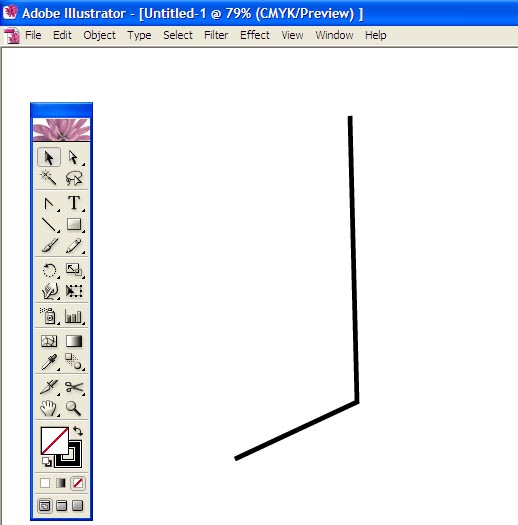
The Convert Anchor Point Tool (Shift + C) by using the center line at the bottom, where there has been made to bend. Convert Anchor Point Tool to click with the mouse to the left or right, up and down, as shown below, it would be moved.

We are at the top of the selection tools by clicking the right mouse button and select sepatike Transform> Reflect> Copy to click on. The result is a reflection of the shape will be created and placed in front of the two sepake selection tool to select the sepake. Join Pathfinder tulapletera associated with both options will look like the image below.
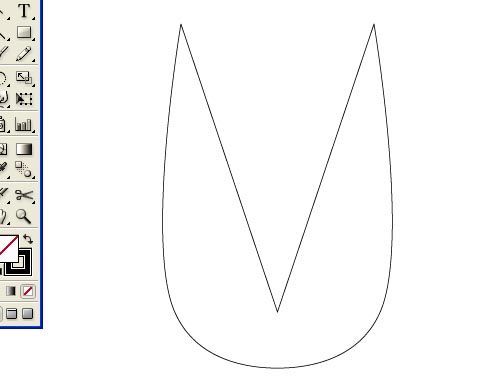
Using the Direct Selection tool to select the inner part of this step, delete and click the right mouse button to click Join. As a result, you get a shape like the image below.
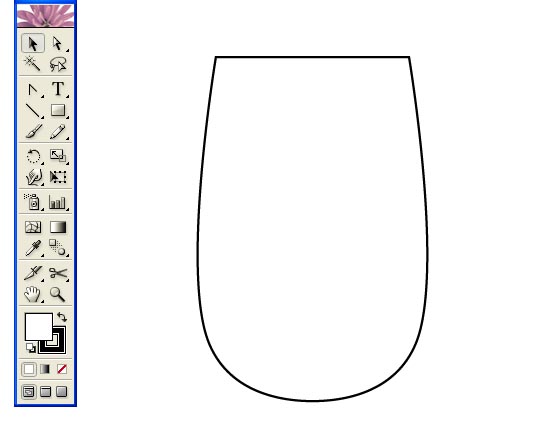
When the upper part of the drawing so that we understand the papaya. We are part of the middle part of the draw or thin. For this we will create a shape like the one shown below with the Pen Tool.

As the Convert Anchor Point Tool or by using the Shift + C will Shape the central part of the bend as shown below.

The process by clicking the right mouse batone Transform> Reflect> Copy to create a reflection of the two sepake it by clicking the Add Join tool and use of Pathfinder by adding two sepake create a shape like the image below.
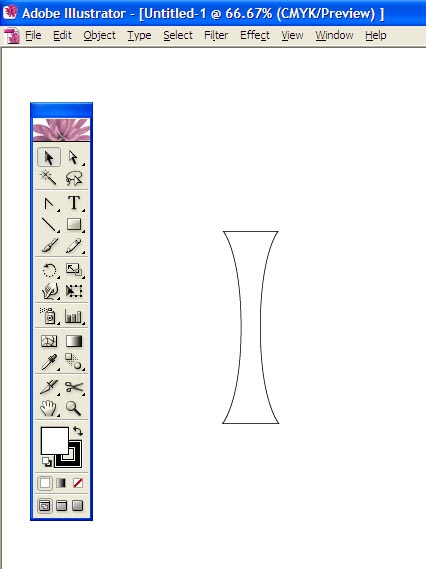
Here's one thing to say to each darakarah Shape of a copy of the note. Alt key and click the left mouse button, the drug can be easily made copies. However, the main part of the glass down on the top part of the Pathfinder tool to add standa. As a result, when a shape as shown below.
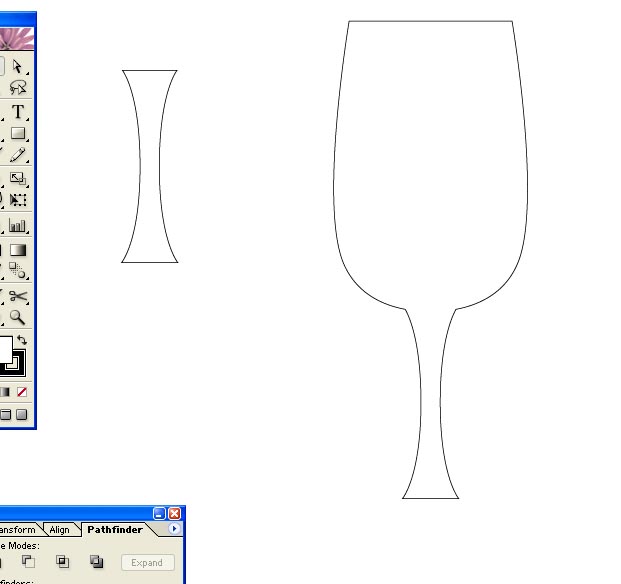
Then we'll give it a Gradient effect. I like to color the image below. You can also give other color. Gradient effect after we get a shape as shown below.

Here, however, I have a little extra work. It is primarily glass have set it off by drawing a shape other sepatike the white light has an effect. To do so, please note the following diagram.
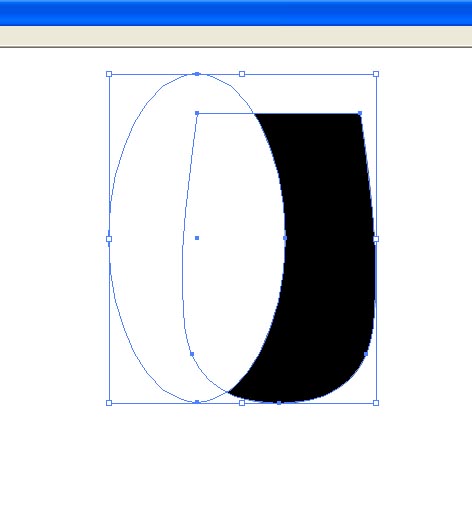
Expend cutting tool Pathfinder's Subtract from Shape are a part of the black and white to reduce the Transparency and papaya (glass) get on. The same process will cut a portion of the beverage, which is part of the glass that will be determined. Please note the following figure.

Shape different shape as shown in the upper right side of the Pathfinder tool to cut the papaya Expend putting on the shape of the image can be found below.

This step has to be done in increments as follows: Draw a circle with the Gradient effect has been pressed. See below for understanding byabaparati citrati.

The papaya or container to create the leg. Yathayatabhabe putting him in a circle drawn, just like in the image below.

The Pencil tool to draw some ice pieces and put them inside the glass. Citrah
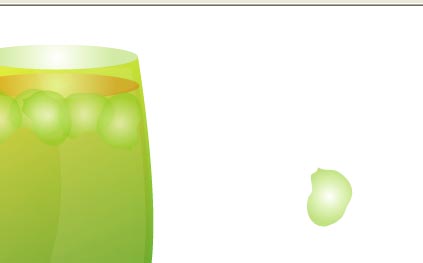
They are now drawing many small circle will appear on the right side of the putting baspakana has accumulated around the glass. Transaparensi reducing them look even better. In the end, the image will look like the image below.


No comments:
Post a Comment